How To
How to Connect Google Search Console to an Auto SEO Tool (And Why It Matters)
Every site with any organic traffic already has a list of keywords it ranks for on page two or three, close but not converting into clicks. That list lives inside Google Search Console, and it is the single highest-signal input an auto SEO tool can use, more reliable than third-party keyword volume estimates because it comes directly from Google.
Why this data beats generic keyword research
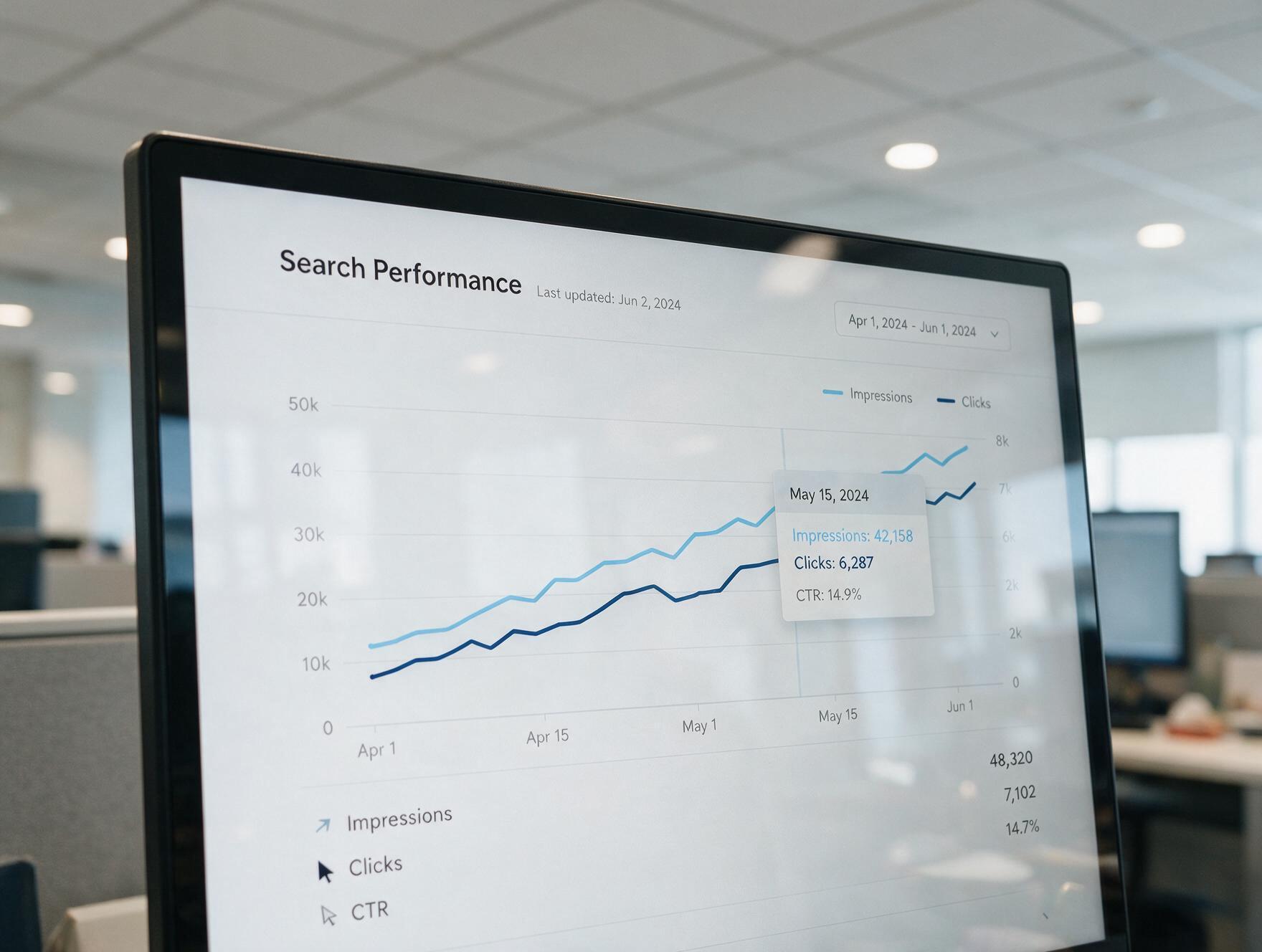
A keyword tool can tell you a term gets 2,000 searches a month. Search Console tells you your specific page is already showing up for that term, in position 14, getting impressions but almost no clicks. That is a page one push, not a page one climb from zero, and it is dramatically easier to move a page from position 14 to position 6 than to rank a brand new page for the same term.
How to connect it
- Verify your domain in Google Search Console if you have not already, via DNS record or HTML file
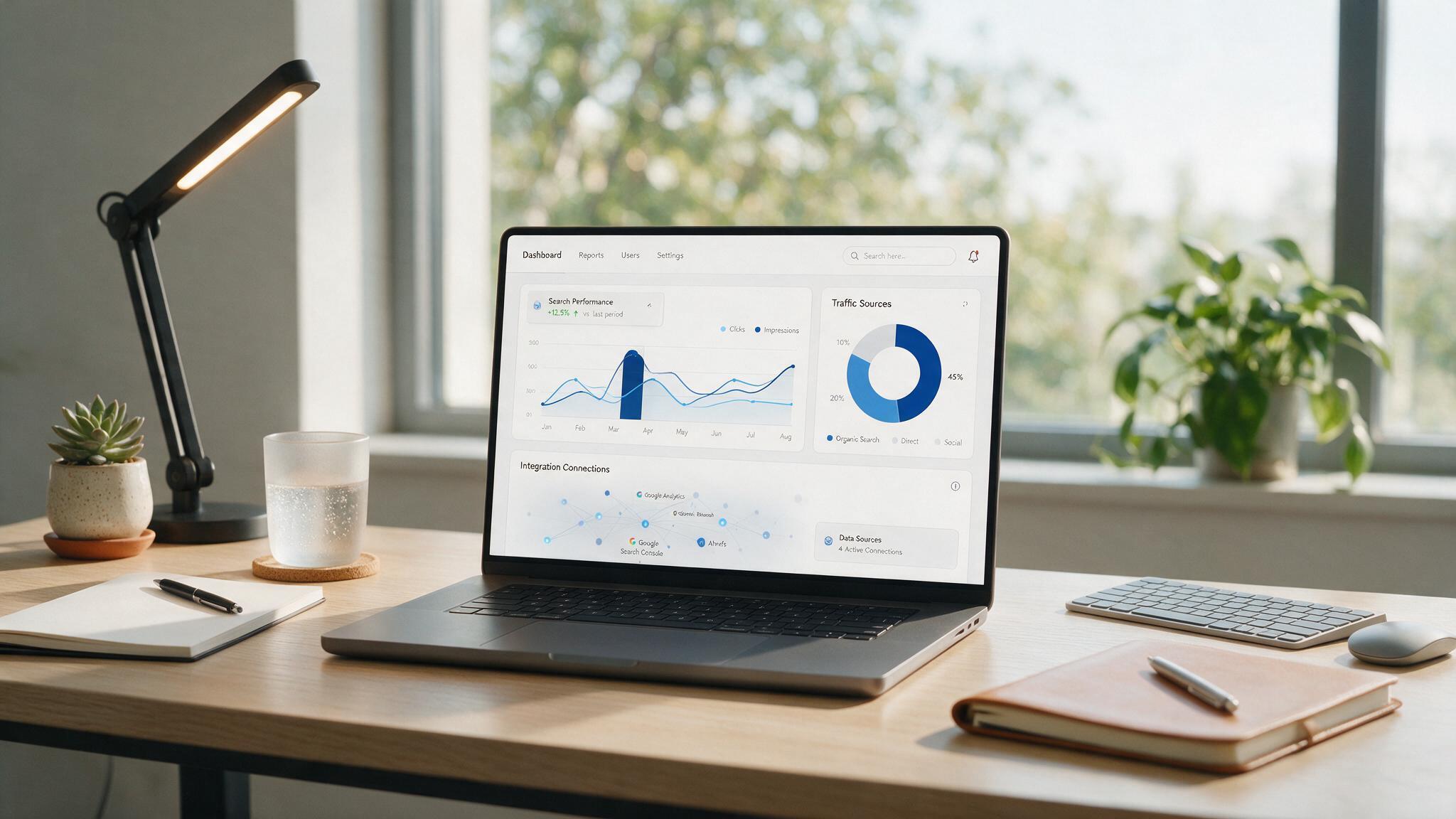
- In upRanker, go to Settings → Integrations → Google Search Console
- Authorize with the Google account that has access to the property
- Select the exact property (domain or URL prefix) that matches your site
- Give it 24-48 hours for the first data pull, Search Console data has a natural reporting delay
What changes once it is connected
The content calendar shifts from "here are keywords with volume" to "here are the pages already close to ranking that need reinforcement, plus new gaps competitors cover that you do not." Existing near-miss pages get priority for updates and internal linking. New content targets the gaps a page-by-page audit of your current rankings reveals.
The fastest ranking wins almost always come from pages you already have that are one push away from page one, not brand new content starting from zero.
Common connection issues
- Wrong property type selected (domain property vs URL prefix property do not show the same data)
- Authorizing with a personal Google account instead of the one with Search Console access
- Expecting real-time data, Search Console reporting typically lags 2-3 days
- Multiple subdomains not verified separately, each needs its own property
Connect your Search Console in under 2 minutes
See your near-miss keywords the moment the sync finishes.
Connect Now