Strategy
WhatsApp Support for Startups: Answer the Same Question Once, Not Fifty Times a Day
If you run a startup, WhatsApp support probably started as a convenience. You put the number on the site, customers liked it, and now one phone, or one shared WhatsApp Web tab, is where half the working day disappears. Somebody on the team answers "how much is it?", "does it work with my setup?" and "where is my order?" by hand, again and again, and copies each chat into a spreadsheet afterwards.
Most of that load is not really support. It is the same few questions, asked by different people, who would have been just as happy to find the answer in Google first. This piece is about cutting that repeat traffic before it reaches WhatsApp, and about turning the questions themselves into a source of new customers.
Why WhatsApp support swamps small teams
WhatsApp support swamps small teams because every question costs the same human minute, whether it is the first time anyone has asked it or the five-hundredth. Nothing a person types into a chat is reusable: the next customer cannot see it, Google cannot index it, and the answer has to be written again tomorrow. Volume grows with the business, and the support team has to grow with it.
The support briefs the GoDesign team behind upRanker has seen from small businesses describe the same pattern. Staff work fixed shifts, often weekday mornings plus Saturday, answering in the customer's own language from a script, a price list and an FAQ document the owner wrote. One business expected between 50 and 200 conversations a day, seven days a week. Response targets ranged from two to fifteen minutes. Every chat was then logged by hand into a sheet or a small CRM, with a daily summary of what was resolved, what was pending and what went to the owner.
- The answers already exist, in that FAQ document and script. They are just locked inside a chat window where only one customer at a time can read them.
- Volume arrives in spikes. A Facebook or Instagram ad campaign can double the queue overnight, and the questions it brings are mostly the same ones.
- Shift gaps become slow replies. A question asked on Sunday evening waits until Monday morning, and some of those people buy elsewhere in the meantime.
- Logging is copy and paste. The time spent recording chats is time not spent on the ones that need judgement.
What startup customers actually ask on WhatsApp
Startup customers mostly ask on WhatsApp what they could not quickly find on your site: what it costs, how it works, whether it fits their situation, and what to do when something does not work. Only a minority of chats need access to private account data or a human decision. That split is the whole opportunity.
| Type of question | Can a public page answer it? | Still needs a person |
|---|---|---|
| Pricing, plans, what is included | Yes, fully | Custom deals and discounts |
| How does it work, how do I use it | Yes, step by step | Edge cases the guide does not cover |
| Will it work with my device, tool or setup | Yes, one page per common setup | Unusual combinations |
| Basic troubleshooting | Mostly, with a checklist | Problems the checklist does not fix |
| Delivery times, refunds, policies | Yes | Exceptions to the policy |
| Order status, payment confirmation | No, it needs their account | Yes, or an automated lookup |
| Complaints | No | Always |
Look at your own last week of chats with that table beside you. For most startups, the top five rows account for the bulk of the volume, and every one of them can be answered once, in public, for everybody.
Answer before the chat starts
The cheapest WhatsApp customer support conversation is the one that never needs to happen. Many people type the question into Google or ask an AI assistant before they message a business. If a clear answer from you appears there, many of them never open WhatsApp at all, and the ones who do arrive already informed.
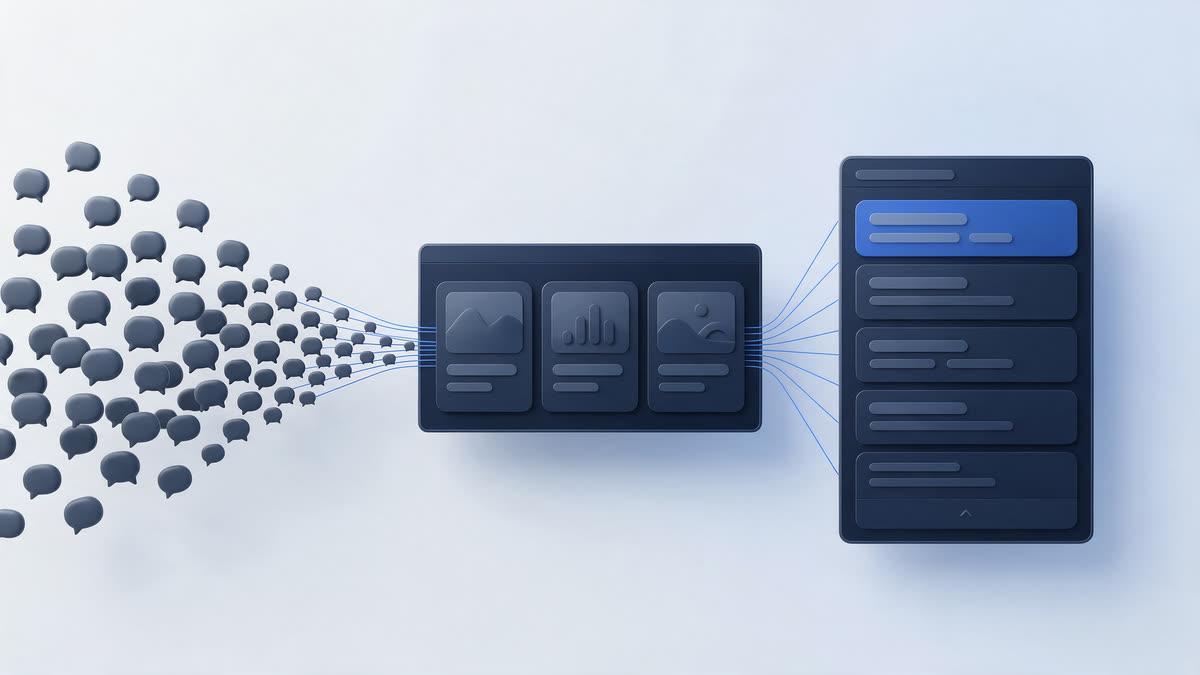
That is why the fix is not only a better WhatsApp helpdesk. Shared inboxes, auto-replies and chatbots make answering faster; published answers reduce how much there is to answer. They also work at 3am, in every time zone, during the ad spike, and they do not need a shift rota.
- One page per real question, titled the way customers phrase it, not the way your product team names the feature.
- The direct answer in the first two or three sentences, so Google can show it as a snippet and AI assistants can quote it accurately.
- Specifics a chat agent would give: the steps, the price, the limits, what to do if it still does not work.
- A link from each answer to the relevant product or pricing page, so the reader has somewhere to go next.
- A short, visible line on when to message you instead, for the cases a page cannot handle.
Which WhatsApp support questions to publish first
Publish first the questions that are both frequent in your chats and searched in Google, because they pay twice: fewer messages and new visitors. A question nobody searches still deserves a help page, but it will not bring anyone new.
- Export or scroll through one normal week of WhatsApp chats and write down each question in the customer's own words.
- Group them. Twenty phrasings of "does it work on Android?" are one question.
- Count each group and cross out anything that needs private account data, such as order status or payment checks.
- Check what people search around the remaining questions: the wording, the related questions Google shows, and whether competitors already answer them.
- Write the top ten as standalone pages, publish them on your site, and link them from your WhatsApp auto-greeting and quick replies, so even people who do message you get a link instead of a paragraph.
- Repeat monthly. New features, new markets and new ad campaigns bring new questions.
Steps one to three are yours: nobody outside the business can read your chats. Steps four to six are research and publishing, which is exactly the part that gets postponed when the support team is busy, and exactly the part that can be automated.
Turn repeat questions into pages that rank
upRanker researches what your customers search, writes articles that answer it and publishes them to your WordPress site on a schedule. 3-day free trial, no credit card.
Start FreeWhere upRanker fits, and where it does not
upRanker is auto SEO software: it finds the searches worth answering, writes articles against them and publishes them to your site. It does not run a WhatsApp inbox, read your chats, send replies or connect to your order system. It handles the published-answers half of WhatsApp support, which is the half that keeps working when nobody is on shift. If the term is new, what auto SEO is and what it does not automate is the five-minute version.
- Keyword research from real search data, with each keyword labelled by intent, so you can see which questions are informational and which come from people close to buying.
- The live Google results for each keyword are pulled into the article brief, including the "People also ask" questions, which is often where support-style questions surface.
- You approve or reject keywords before they are written, so your own list of chat questions can steer what gets published.
- Site-wide writing instructions let you set the facts and tone every article must follow, such as your plans, supported devices or refund policy.
- Articles publish to WordPress through the REST API with an application password, either automatically on a schedule or after you approve each one, with the SEO title and description filled in for Yoast SEO, Rank Math or All in One SEO.
- Internal links from each new article to your existing pages, so answers lead readers on to pricing and product pages.
- On paid plans, a Google Search Console connection brings in the queries you already appear for, which is where many support questions show up first. How that changes the keyword list is covered in connecting Google Search Console to an auto SEO tool.
| Job | Who or what handles it |
|---|---|
| Answering the questions people search before they message | Published articles, researched, written and scheduled by upRanker |
| Order status, payment checks, account changes | Your team, or an automation connected to your order data |
| Complaints and anything off-script | A person, always |
| The WhatsApp inbox, chatbot and CRM connection | A WhatsApp Business API setup, not upRanker |
If you also need that last row built, with the official WhatsApp Business API, a shared inbox for your support team, a bot for first-line answers and handover to a person, that is agency work rather than software: see WhatsApp support setup by the GoDesign team, the team behind upRanker. The two work well together: the bot can send a link to a published answer instead of retyping it.

What changes when the answers are public
When the answers are public, two numbers move in opposite directions: repeat chats go down and organic visitors go up. The second matters as much as the first. The person searching "does [your category] work with [their tool]" today is often a prospect who has not heard of you yet, and a clear answer is their first contact with your product.
- Your WhatsApp support team spends its time on chats that need judgement: billing problems, complaints, unusual setups and buyers ready to talk.
- Quick replies get shorter. A link to a page that answers fully beats a pasted paragraph, and the customer can forward it to a colleague.
- Ad spikes hurt less, because the questions an ad campaign triggers already have answers waiting on the landing page and in search.
- You get a public record of how your product works, which also helps sales, onboarding and new support hires.
Be realistic about timing. Published answers start to rank over months, not days; the honest picture is in how long it takes to get from page 5 to page 1. Narrow, specific questions about your own product tend to move sooner, because few other sites answer them. And if AI-written help content worries you, the conditions Google actually cares about are set out in is automated SEO safe for Google: helpful, specific and reviewed is fine.
Keep people on the chats that need them
Publishing answers is not a way to make customers go away. Keep WhatsApp open, keep the number visible, and keep a person on the conversations that need one. The aim is to stop paying a human minute for a question a page could have answered, so the human minutes go where they count.
A sensible split for a small team: public pages for anything that is the same for every customer, an automated lookup or a person for anything that depends on their account, and the founder or a team lead for anything off-script. If you are not sure yet whether the searches behind your questions bring buyers or just readers, why traffic arrives and nothing happens is worth reading before you plan the list.
WhatsApp support for startups: common questions
- Will customers stop messaging us on WhatsApp if we publish answers?
- No, and that is not the aim. People who want a conversation will still message you. What drops is the repeat traffic: the same pricing, how-to and compatibility questions that a clear public page answers just as well. The chats that remain tend to be the ones worth a person's time, such as billing problems, complaints and buyers ready to decide.
- Does upRanker connect to WhatsApp or to our CRM?
- No. upRanker is auto SEO software. It researches searches, writes articles and publishes them to your WordPress site; it does not read or send WhatsApp messages, and it does not connect to a CRM or order system. For the inbox, chatbot and CRM side you need a WhatsApp Business API setup, which you can then point at your published answers.
- We do not want generic answers. Will AI-written help articles sound like a bot?
- They will if nobody gives them the facts. upRanker writes from the live search results for each question and from site-wide instructions you set, such as your plans, supported setups and policies, and you can approve each article before it publishes. A few minutes of review per article, adding a detail only your team would know, is what keeps the answers specific.
- How many articles does it take to make a difference to WhatsApp support load?
- Start with the ten most frequent searchable questions from one week of chats; that usually covers the bulk of repeat volume. After that, publishing steadily matters more than any single page. The upRanker Growth plan is $99 a month (reduced from $299) for 30 AI-written articles across up to three websites, and the 3-day free trial needs no credit card.
WhatsApp is a good place to talk to customers and a bad place to store answers. Move the answers somewhere everyone can find them, and the inbox goes back to being a conversation.
Publish the answers your customers keep asking for
Connect your site, see the questions people search in your market and let the first articles draft themselves. 3-day free trial, no credit card, cancel any time.
Start Free